Track fuel use and trip costs
Log distance, fuel volume, and cost details so you always know what each trip is using. Store receipts with a simple tap to keep everything in one place.

Featured app
Simple fuel and expense tracking for road trips, caravans, and everyday driving — with everything you need to stay on track and plan ahead.
Tripometer helps you track fuel use, expenses, trip costs, and fuel economy in a simple, practical way — whether you’re driving around town or heading off on a long-distance trip.
Features
Tripometer is built to make tracking fuel, expenses, and trips — and planning ahead — easy to understand at a glance, whether you’re driving across town or heading off on a long caravan trip.
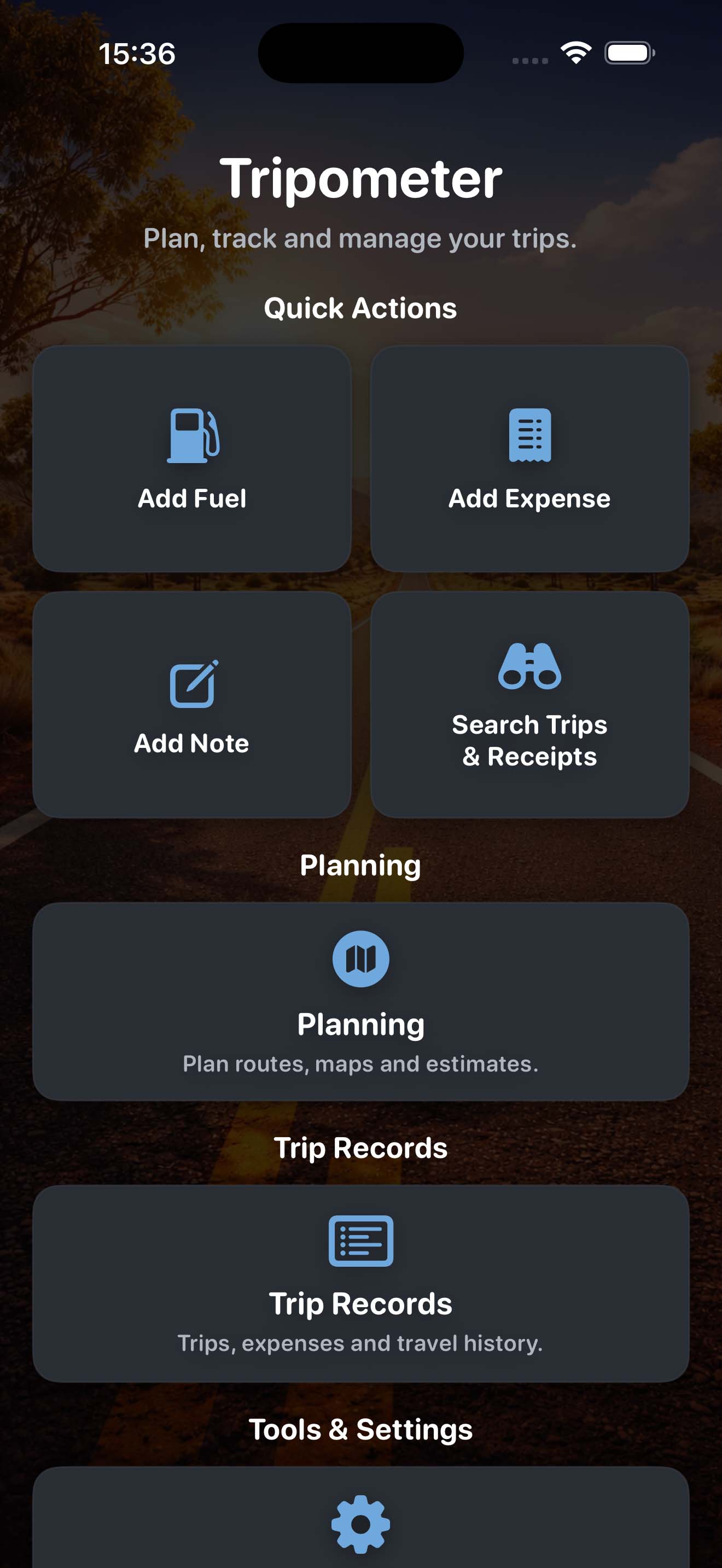
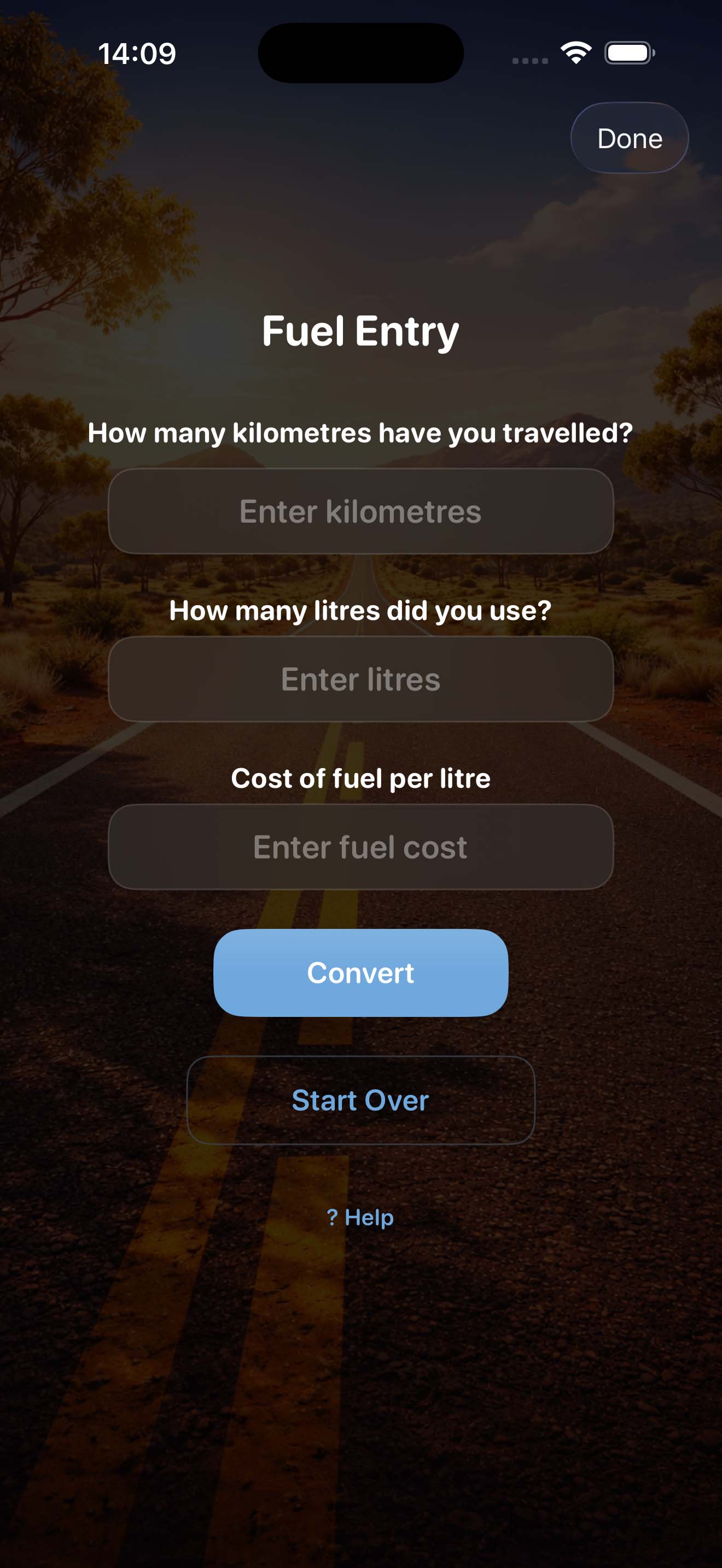
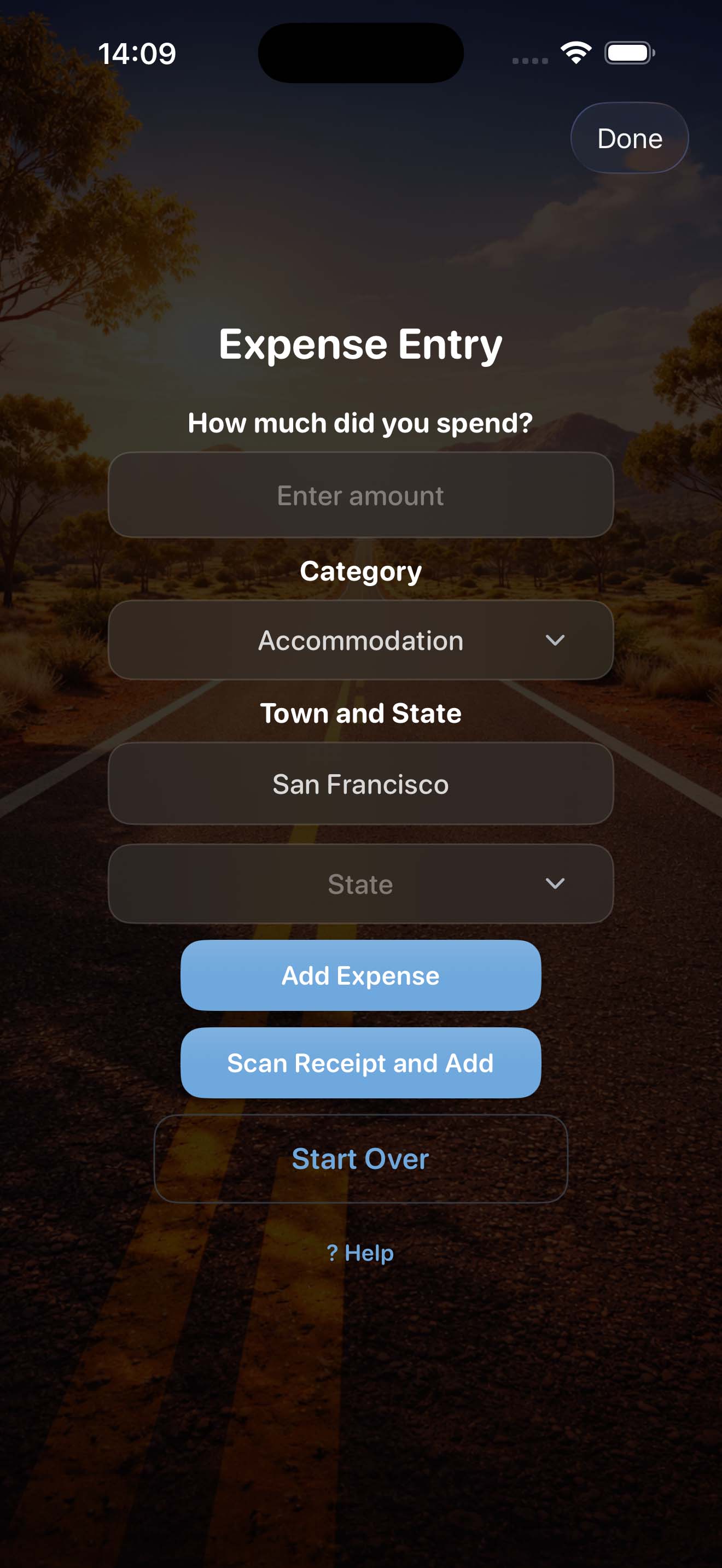
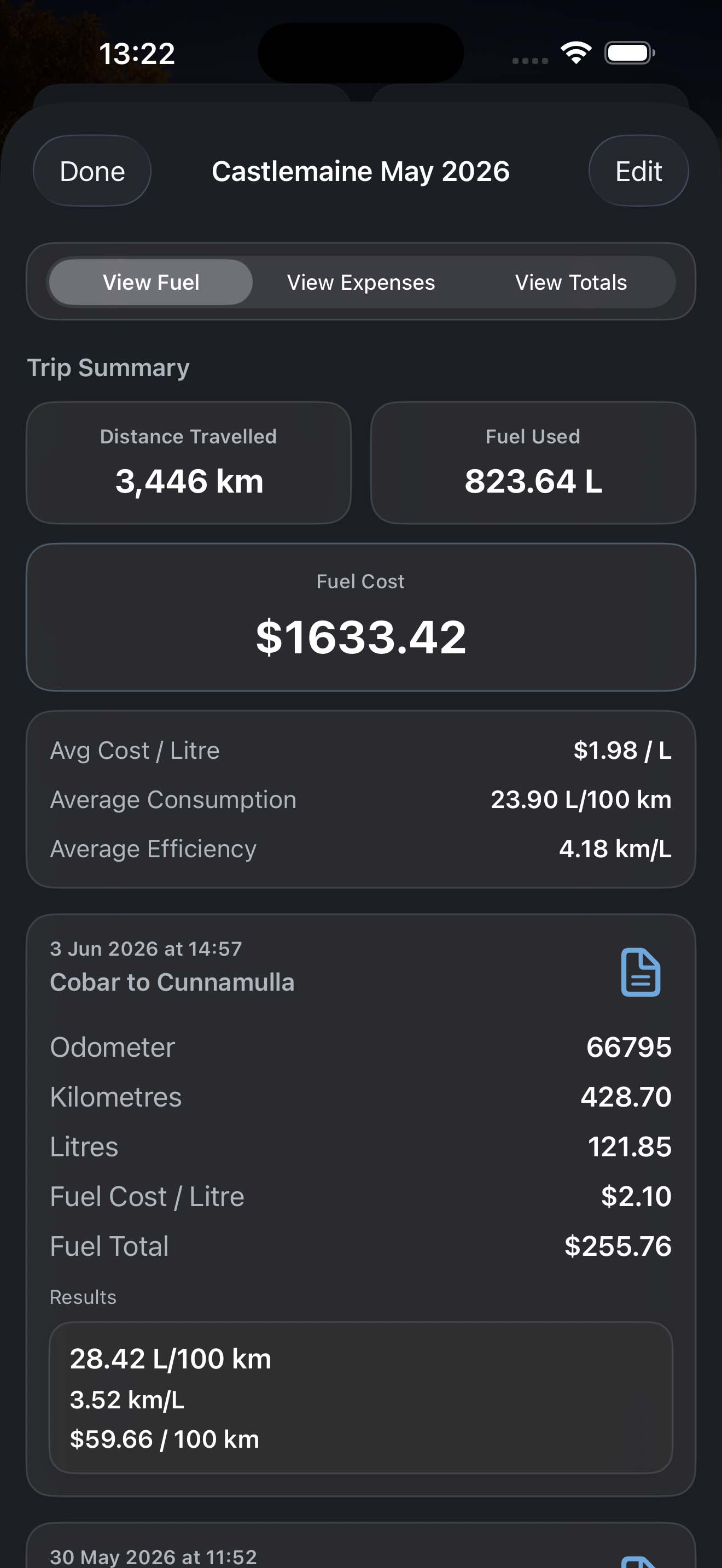
Log distance, fuel volume, and cost details so you always know what each trip is using. Store receipts with a simple tap to keep everything in one place.
See fuel economy results straight away to compare efficiency across trips and driving styles.
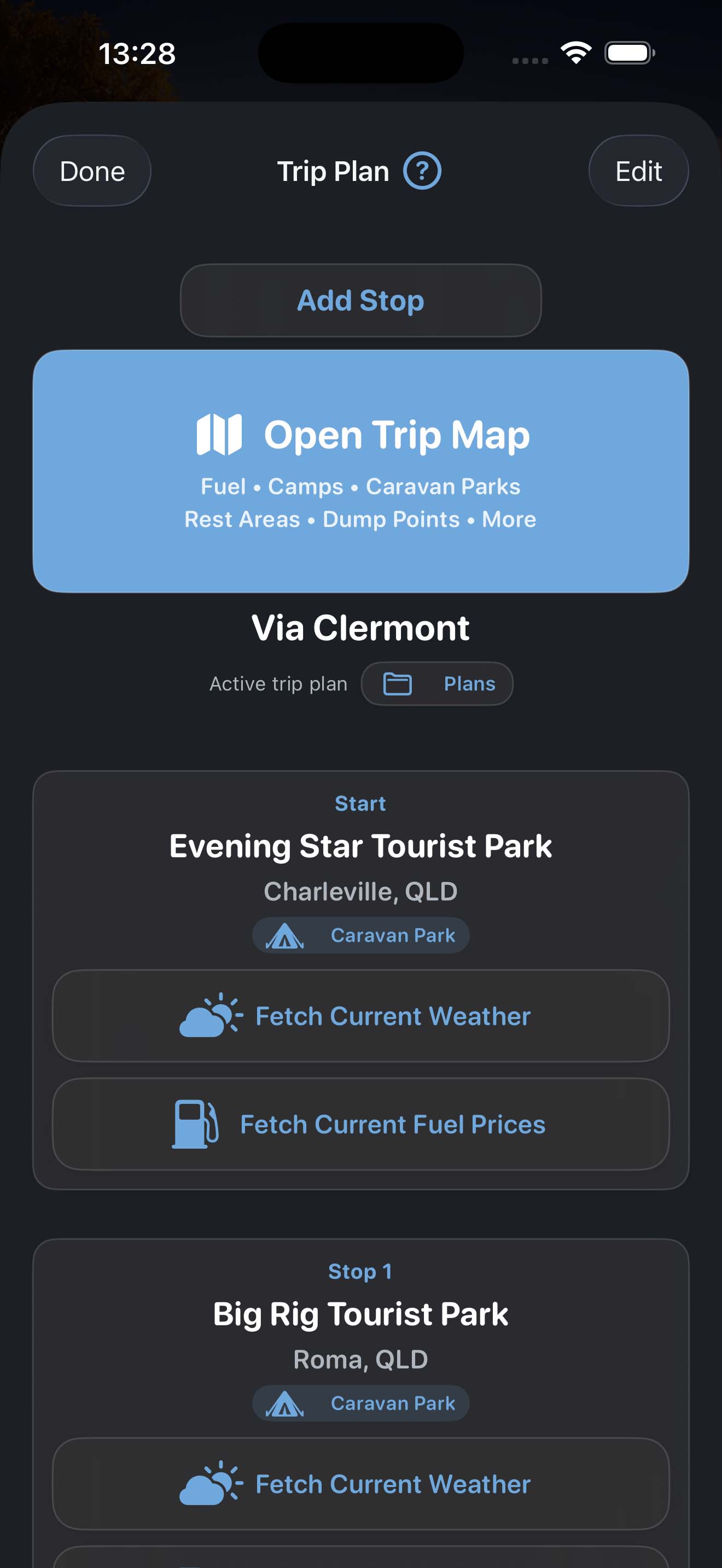
Plan your trip with the estimator. Quickly estimate distances and fuel costs for your journey.
Organise entries by trip so longer journeys and everyday driving stay easy to review later.
Keep a running record of fuel stops, costs, and results without needing a complicated setup.
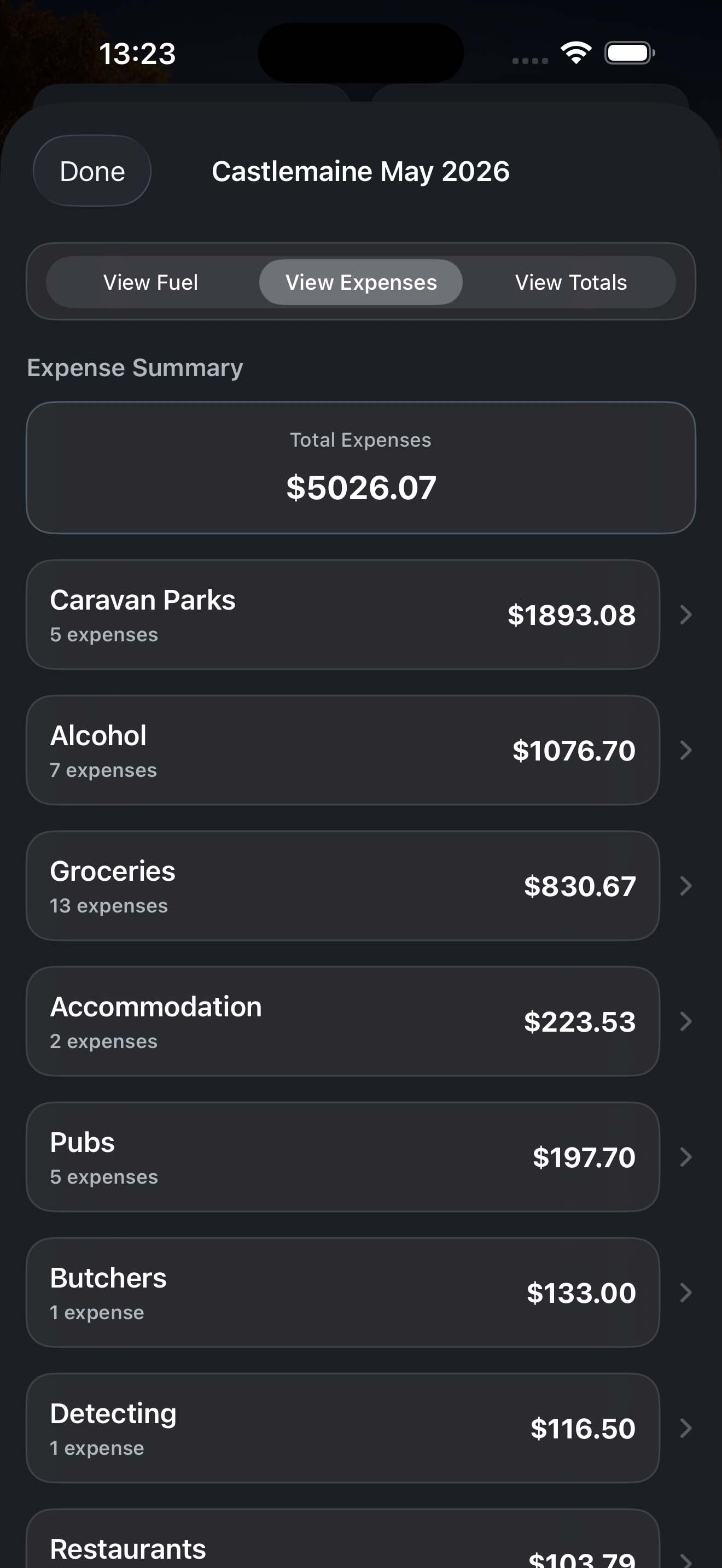
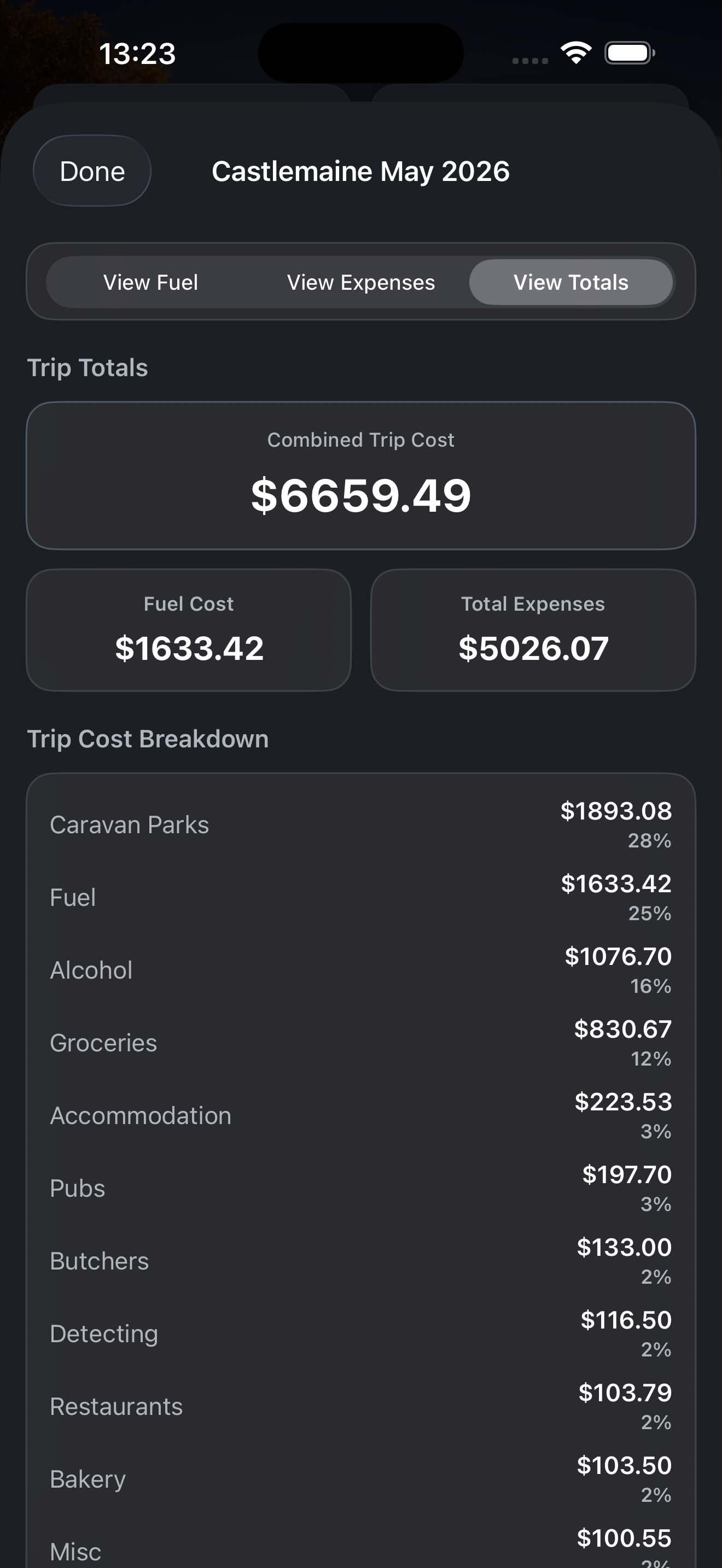
Review totals, averages, and trends to better understand ongoing travel costs and fuel use.
Keep your records safe and portable with simple backup and export options for peace of mind.
Share trip logs easily. Send your trip data via email or message in just a few taps.
No tracking. Your data stays on your device unless you choose to back it up.
Enjoy a clean, focused experience without interruptions.
Preview
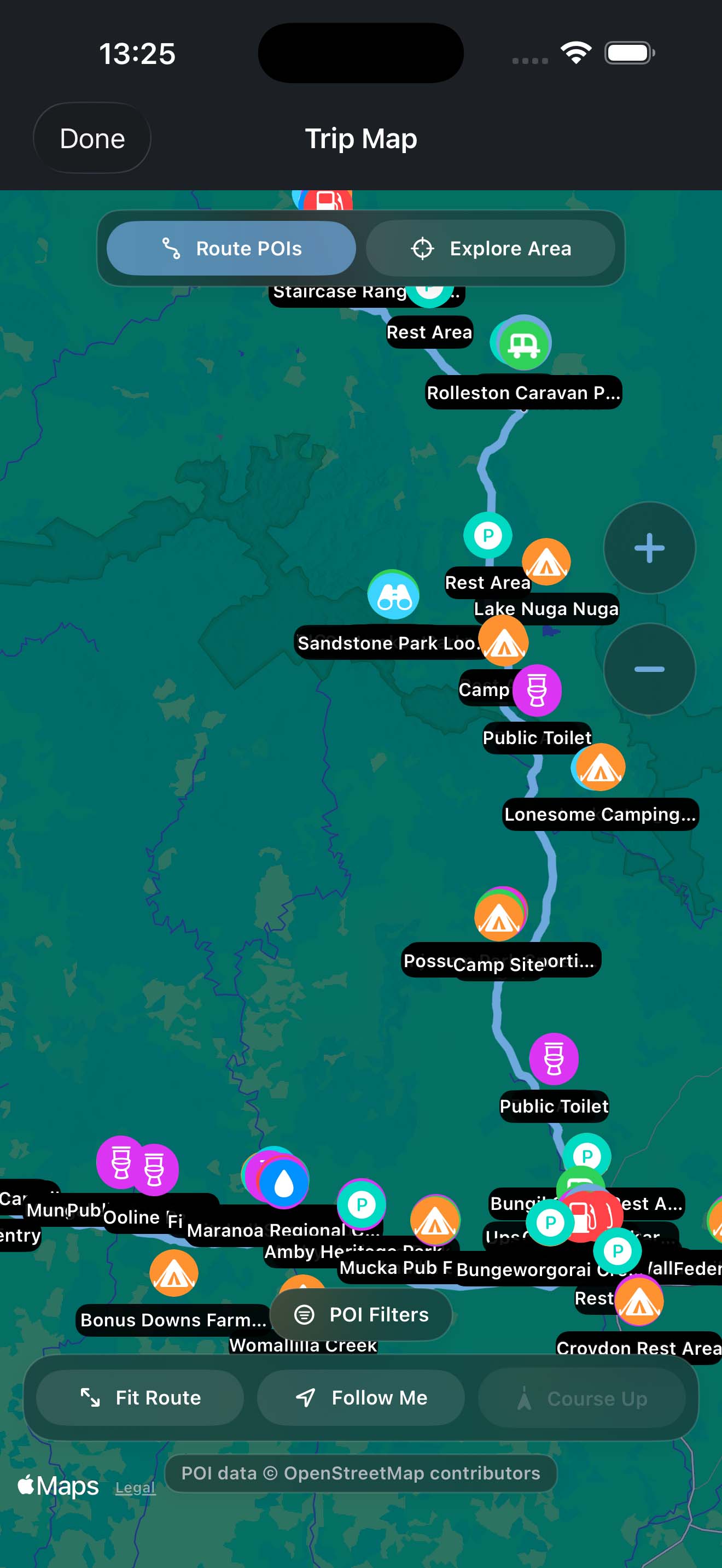
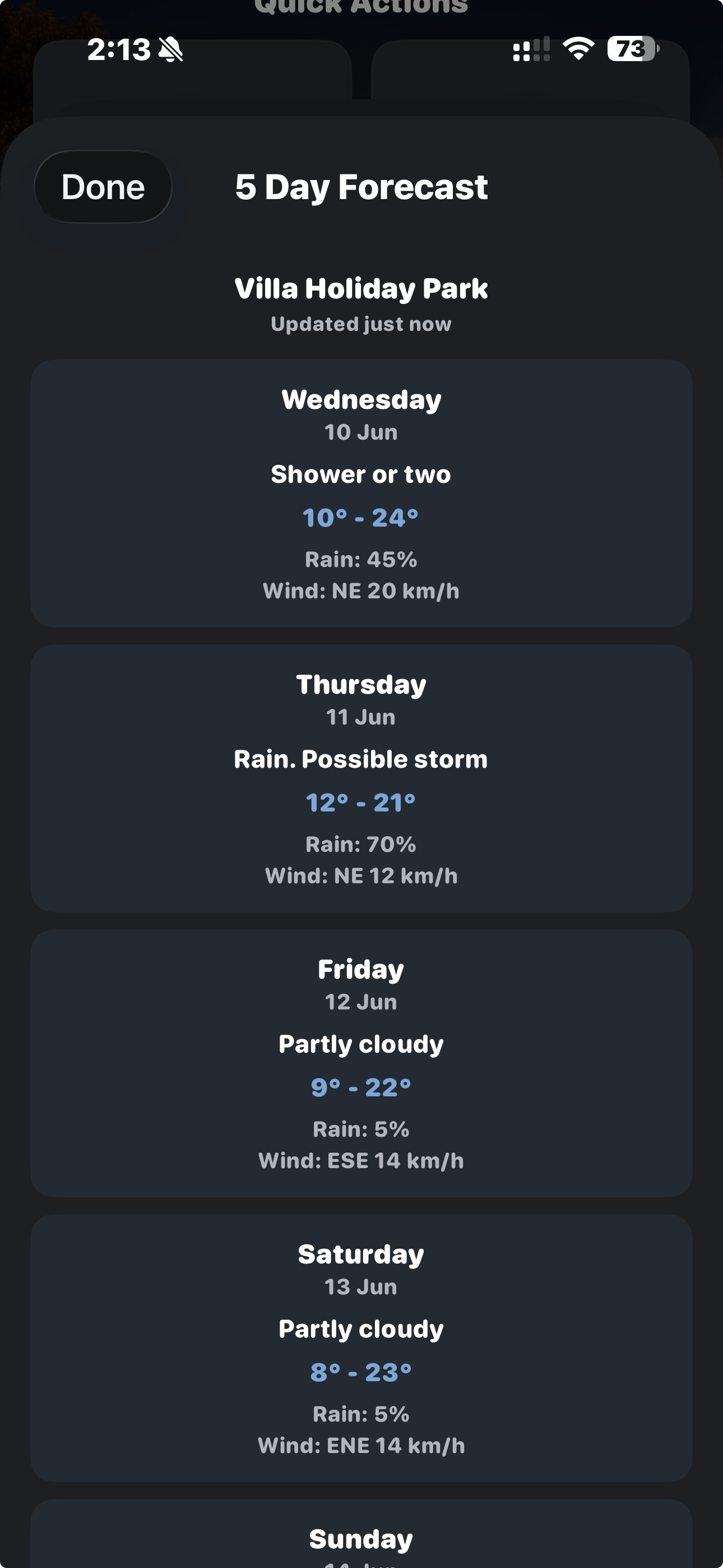
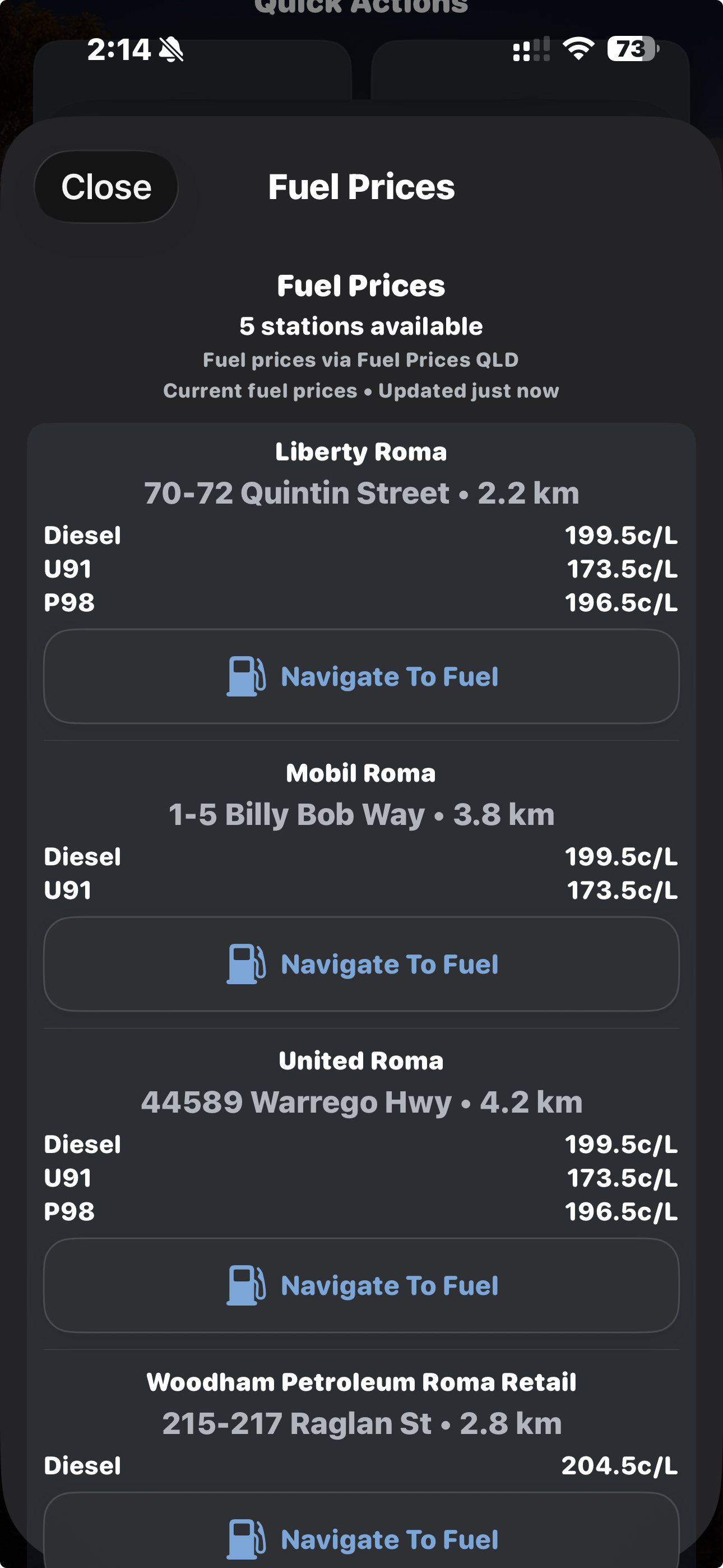
Each screen is designed to keep things simple, so you can enter data quickly and see results straight away.
How It Works
1
Estimate distances and fuel costs with the trip estimator before you set off.
2
Enter fuel and expenses in just a few taps while you’re on the road.
3
Keep everything organised in your trip log so nothing gets lost.
4
Review totals, averages, and past trips to track your fuel use and costs.
Why Tripometer
Tripometer is designed to keep fuel tracking simple. No clutter, no complicated setup — just useful tools to track fuel use, expenses, travel costs, and plan ahead.
Simple
Practical
Useful
FAQ
No account is required. Tripometer is designed to stay quick to use and easy to access.
Yes. You can create and manage multiple trips, making it easy to separate everyday driving from longer road trips and caravan travel.
Yes. You can save and restore backups, helping you keep your trip data safe and move it between devices if needed.
Yes. Tripometer lets you log both fuel entries and expenses, giving you a clearer picture of your total trip costs.
Yes. Tripometer is built for road trips, caravan travel, and everyday use, keeping things simple and practical wherever you go.
Yes. Tripometer works offline for logging fuel and expenses, with all data stored on your device. The trip estimator requires an internet connection to calculate distances and fuel costs.
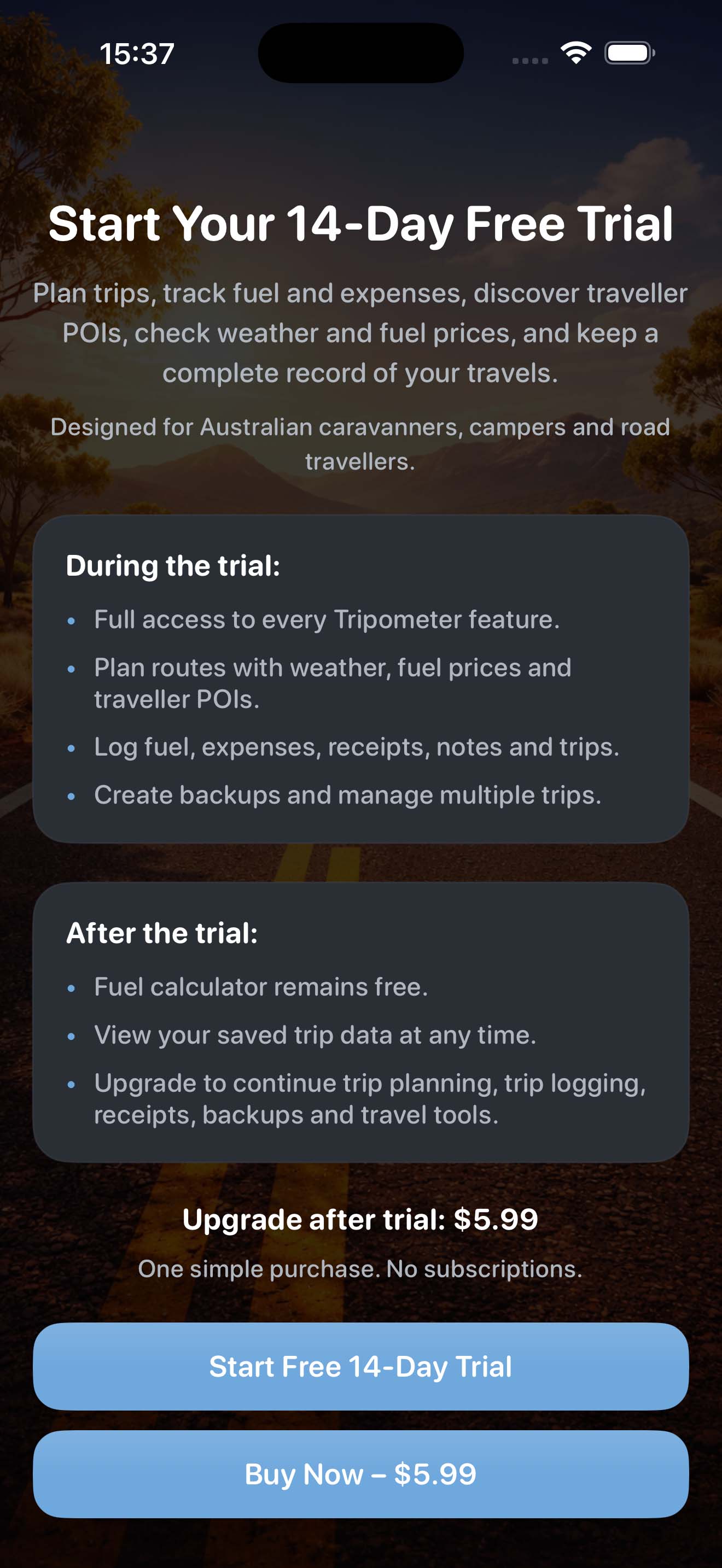
Enjoy full access during your 14-day trial. Upgrade to Pro to keep unlimited trips and entries, plus backup, restore, and easy sharing of your trip logs.
Download
Keep your fuel and expense records organised, practical, and easy to review whether you are planning a big trip or just keeping an eye on everyday travel costs.

Try it free for 14 days.
One-time unlock for life — just $5.99